
Table of Contents
guide provides a quick and easy way to disable a category. By following just three simple steps, you can easily disable a category and save your changes. Whether you want to temporarily hide a category or remove it completely, this guide will help you achieve your goal.
Click on the category you want to disable #

Click on Enable Category button and disable it #
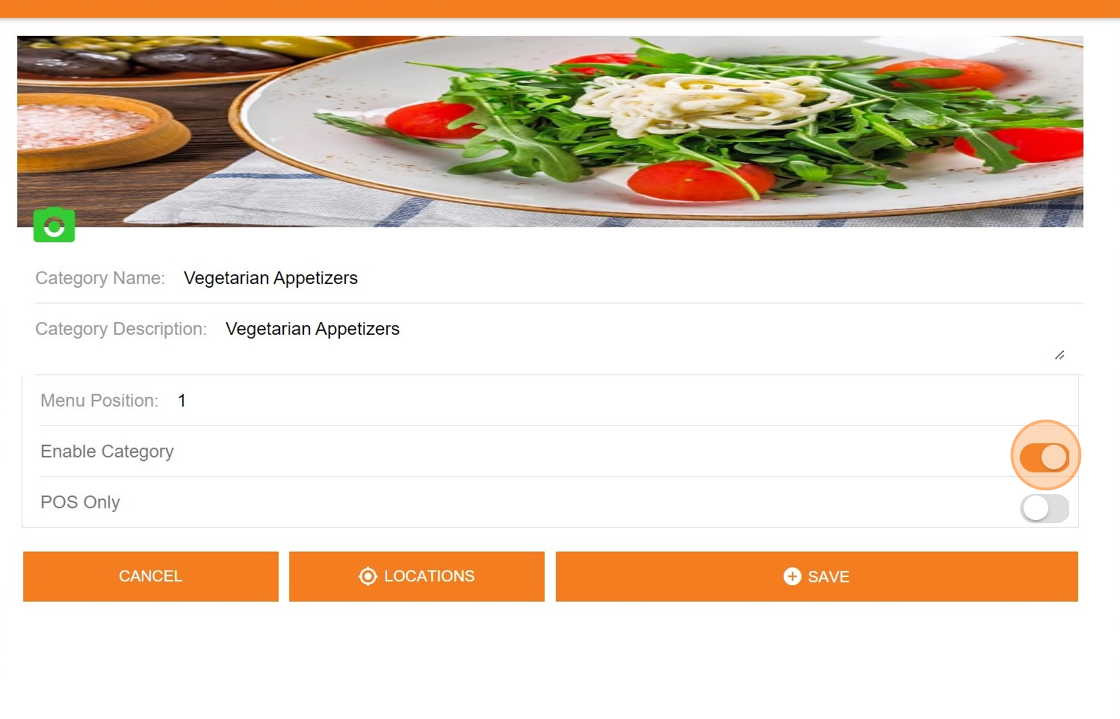
Click “SAVE” this will disable category #

By following the above procedure this will disable the desired category


