guide provides a quick and easy step-by-step process for disabling an item. By following these instructions, you can easily turn off a product or item, which can be useful for managing inventory or temporarily removing an item from your website or platform.
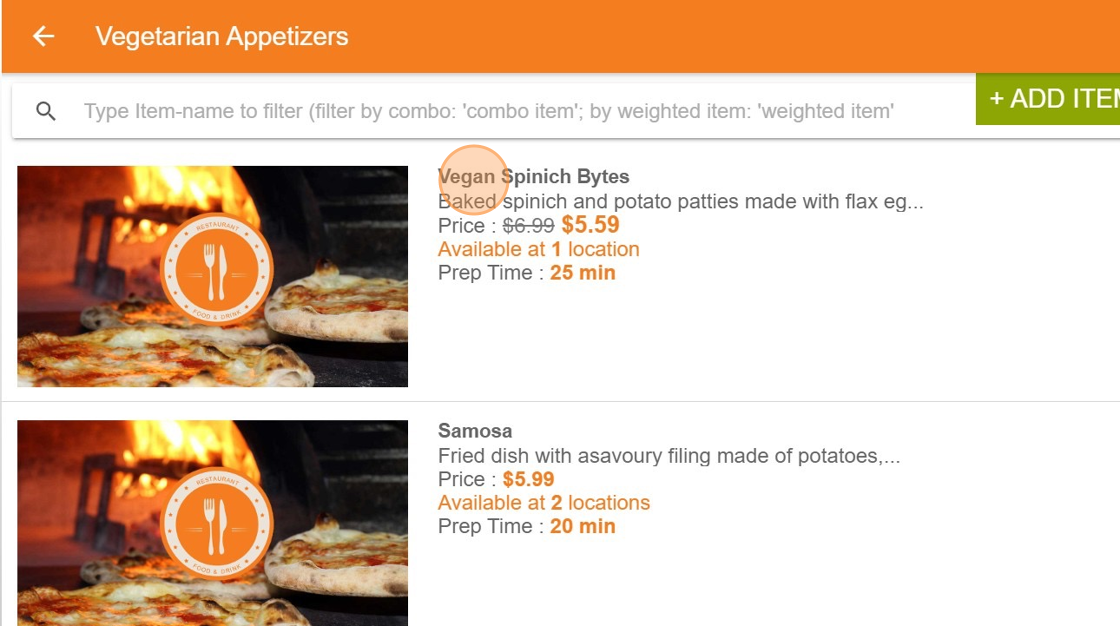
Click on item #
Select the item which needs to be Disabled
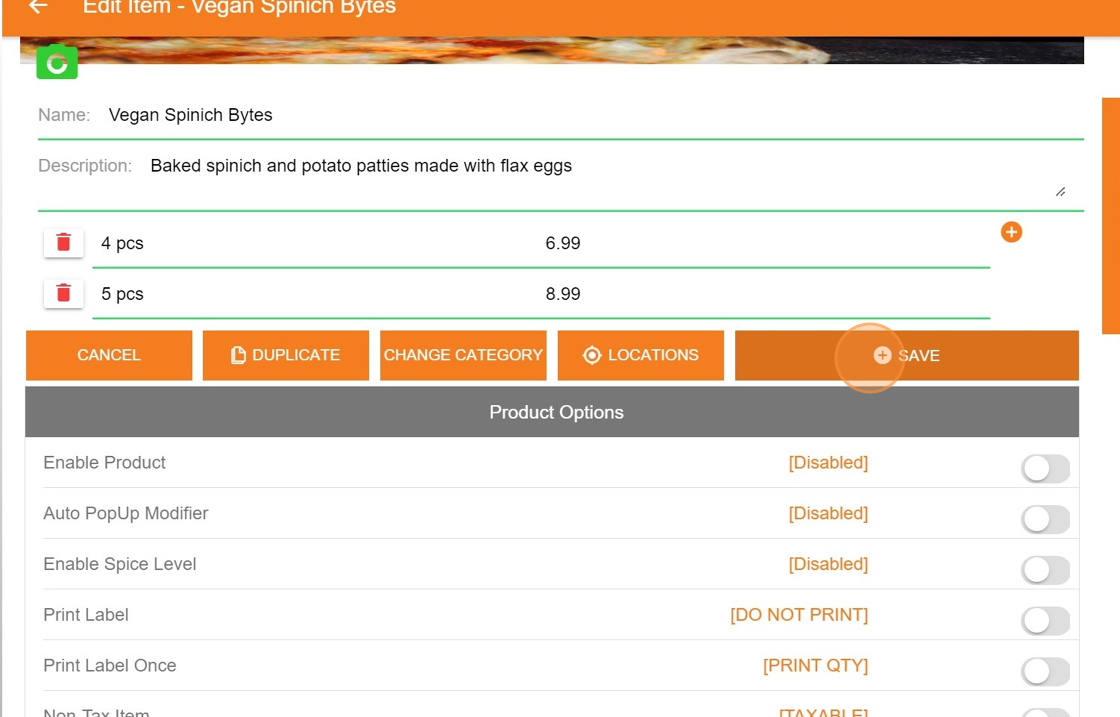
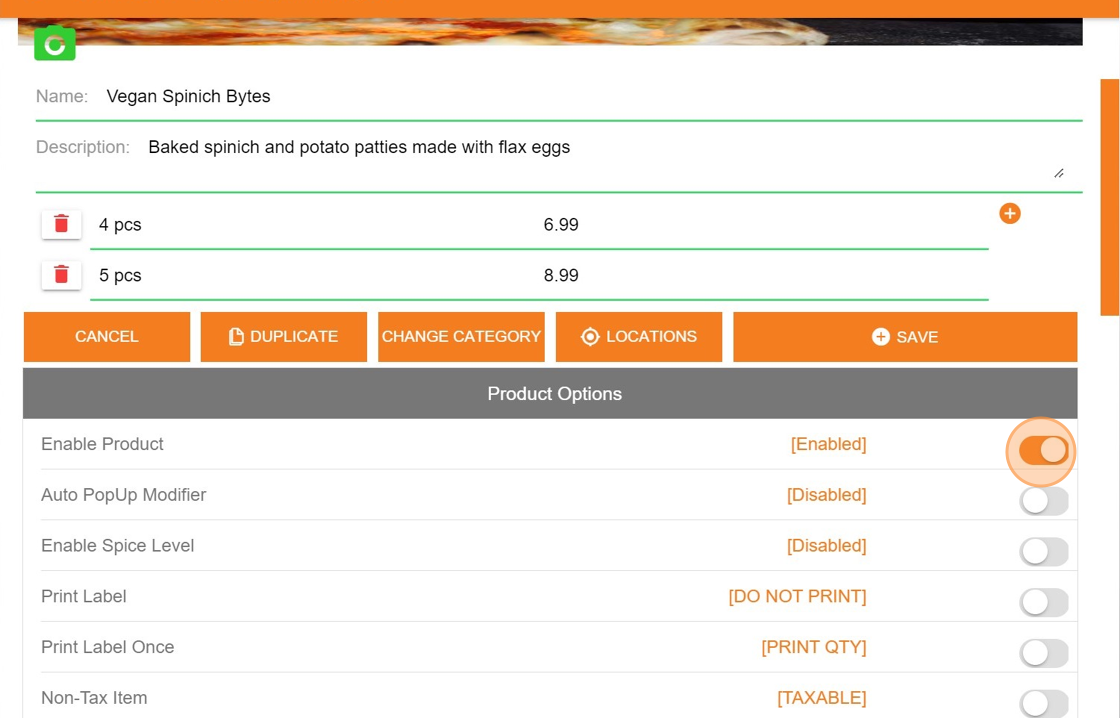
Click on Enable Product toggle button and disable it #
Click”SAVE” #
This will disable item