Table of Contents
How to change order status and mark complete on Dashboard #
guide provides step-by-step instructions on how to change order status and mark it as complete on the dashboard. By following these easy steps, users can efficiently manage their orders and keep track of their progress.
1. Click on “view”Button #

2. Click on “>” forward Arrow #
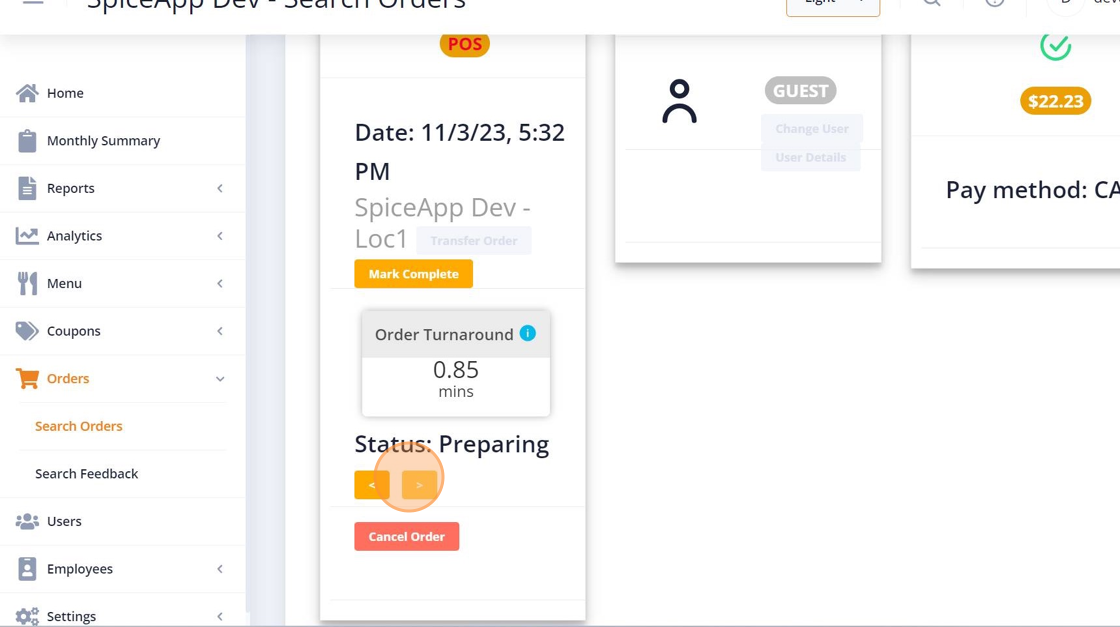
3. Click “OK” #
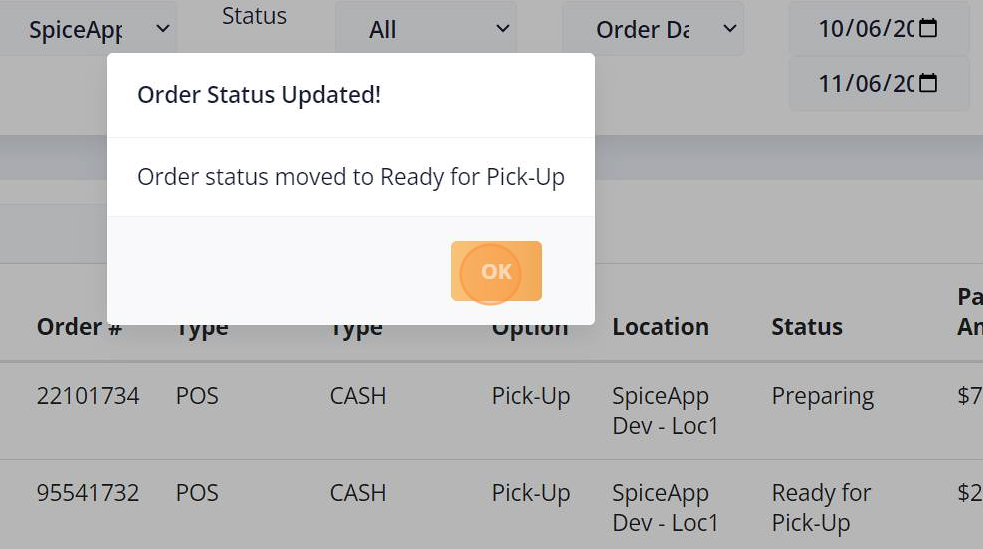
4. Click “view” #
5. Click on “>” forward Arrow #
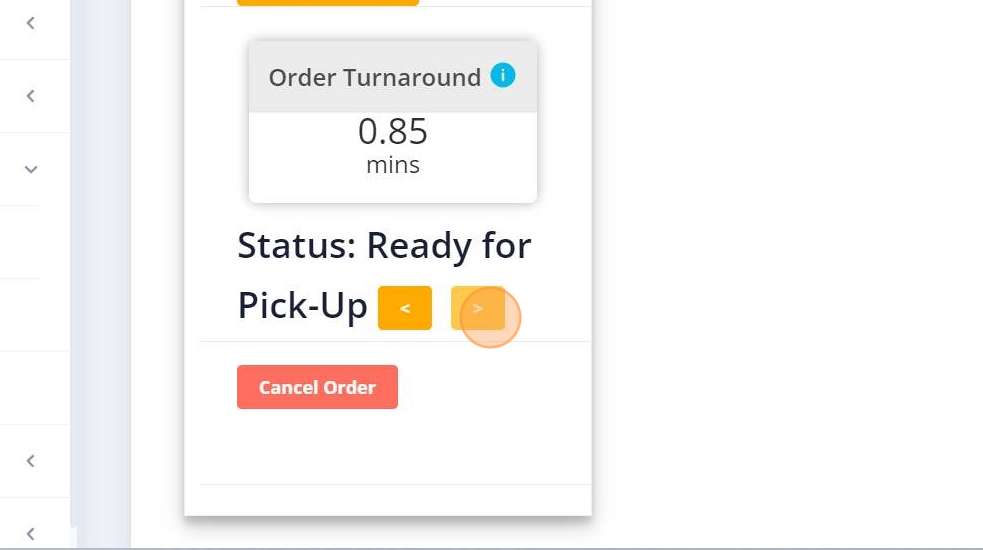
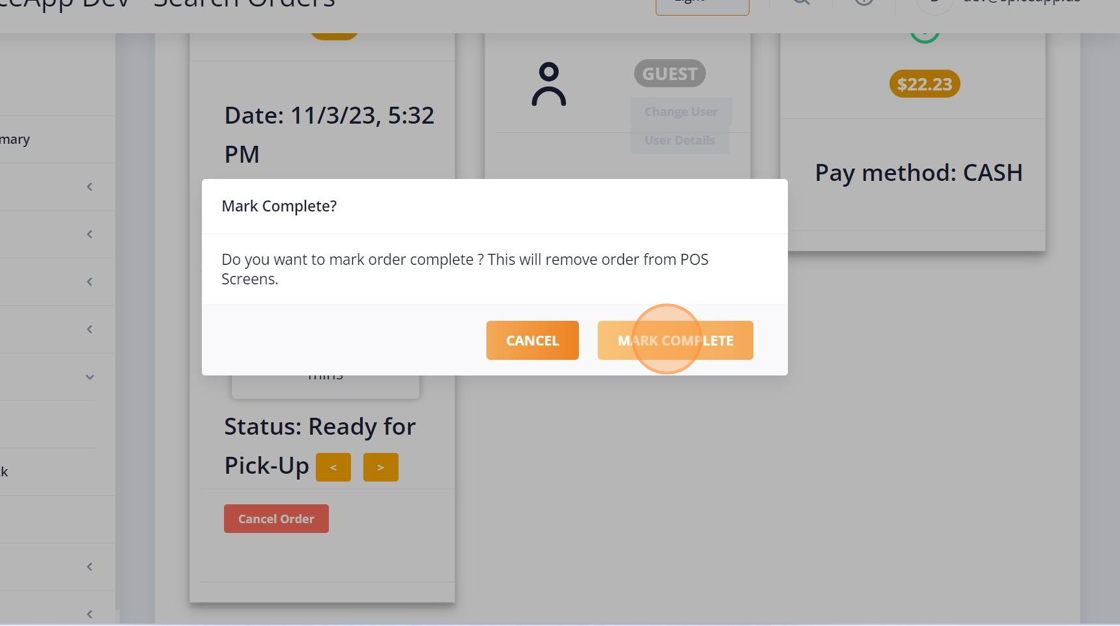
6. Click “MARK COMPLETE” #
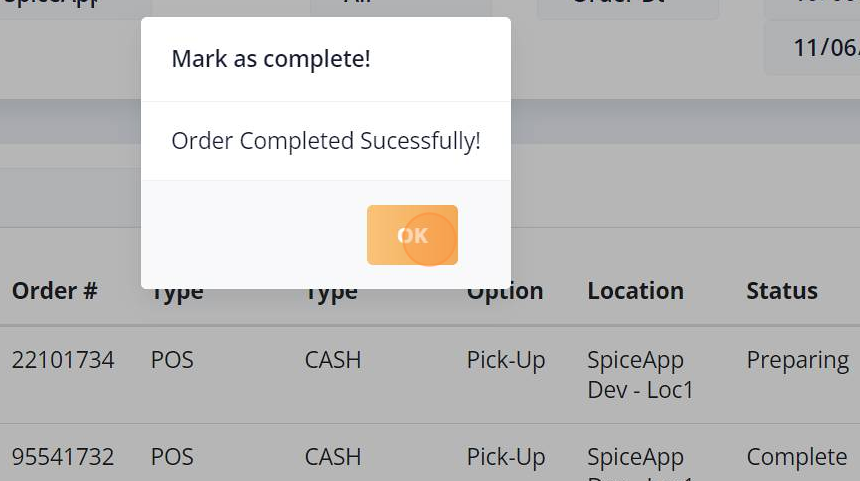
7. Click “OK” #