Table of Contents
- How to Search for Orders by Date and Order Number
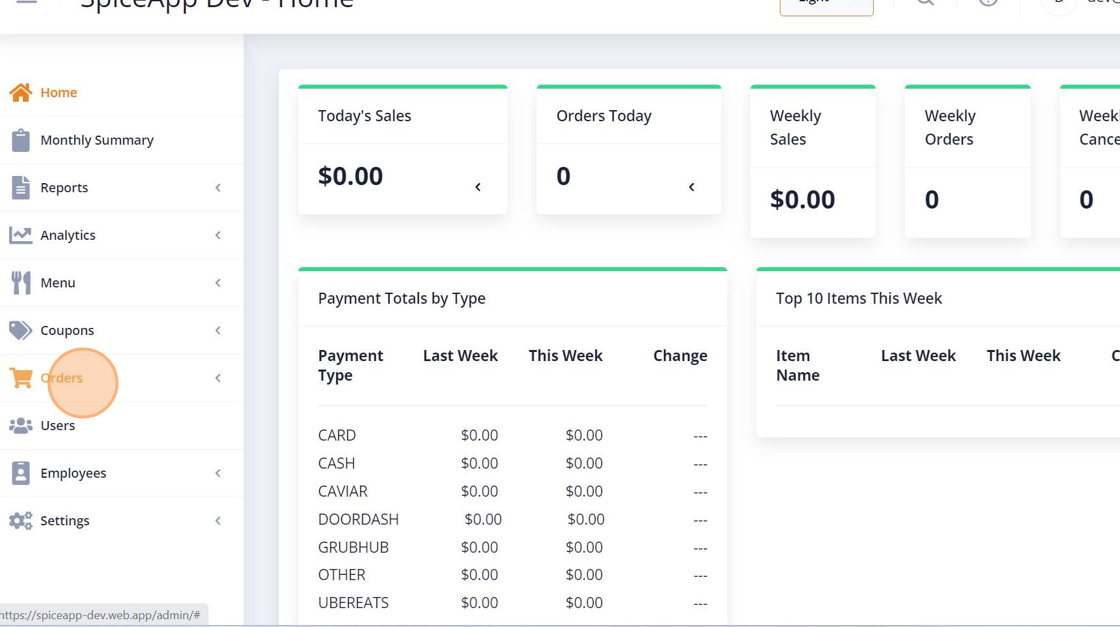
- 1. Click "Orders" Tab
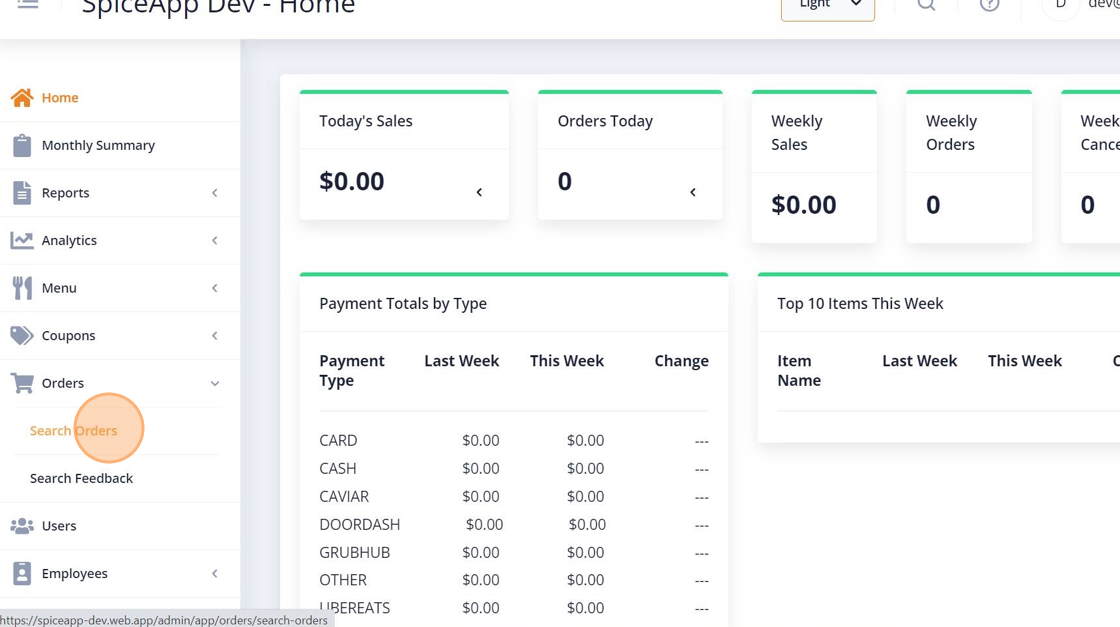
- 2. Click on "SEARCH ORDERS"
- 3. select the location of your store
- 4. Select the Status of the order, select "ALL"
- 5. Select the Order Date from the given options
- 6. Pick a date
- 7. Click on Search Button
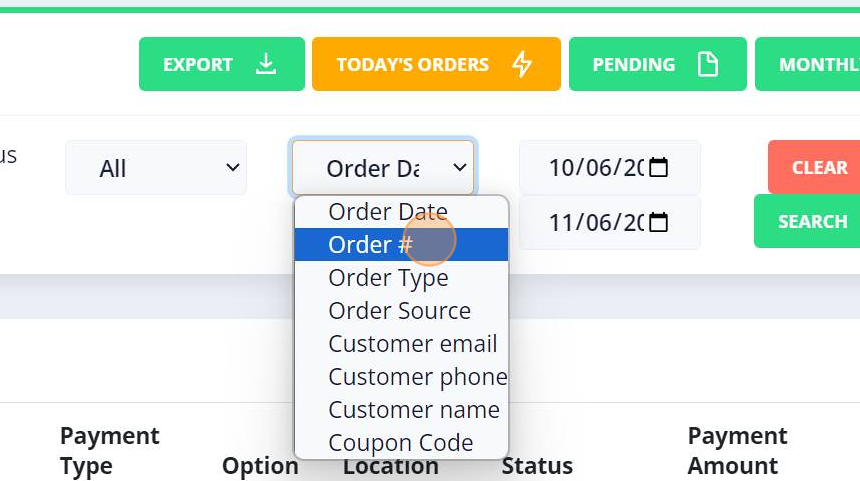
- 8. Select Order# from the given options
- 9. Click on "ORDER SEARCH" textfield
- 10. Click on order search button
How to Search for Orders by Date and Order Number #
guide provides step-by-step instructions on how to search for orders by date and order number. By following these steps, you can easily locate specific orders in a convenient and efficient manner.
1. Click “Orders” Tab #
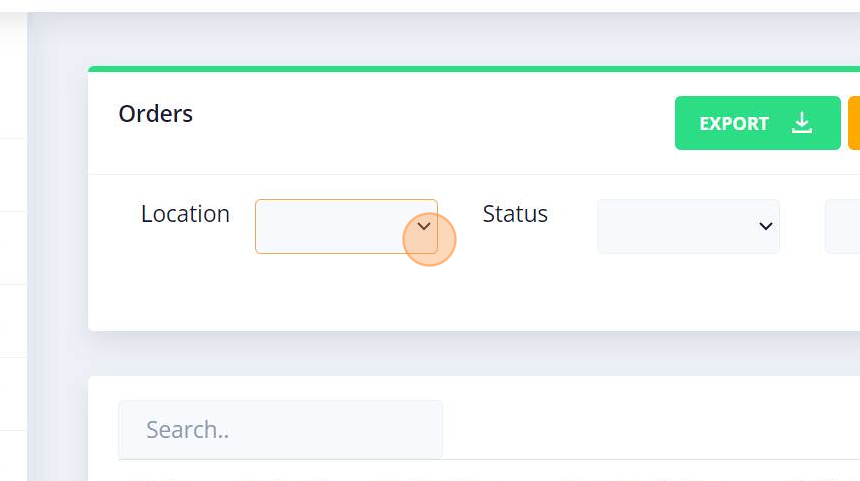
2. Click on “SEARCH ORDERS” #

3. select the location of your store #
4. Select the Status of the order, select “ALL” #
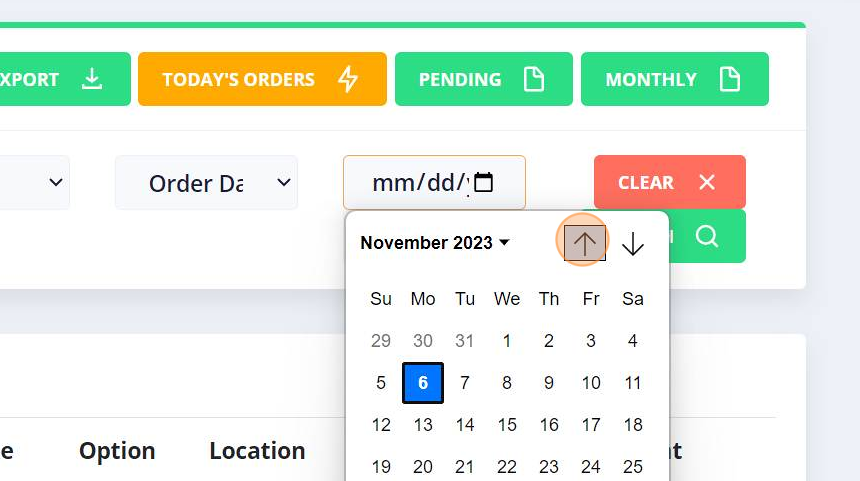
5. Select the Order Date from the given options #
6. Pick a date #
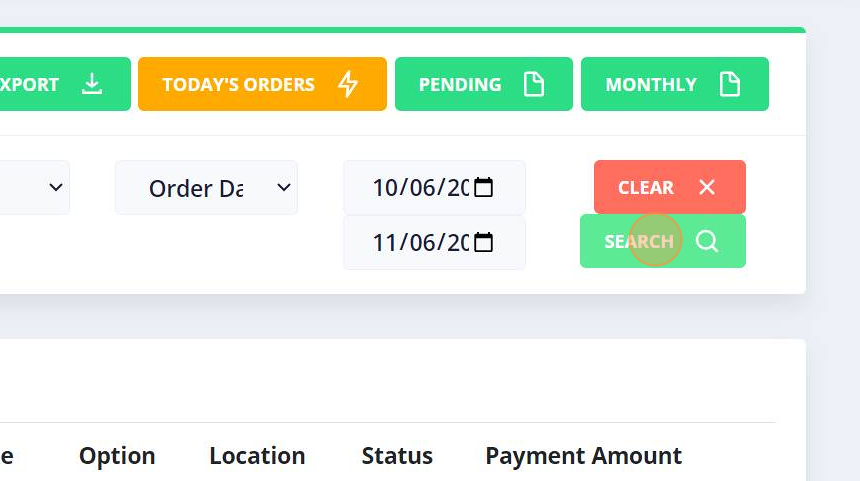
7. Click on Search Button #
8. Select Order# from the given options #

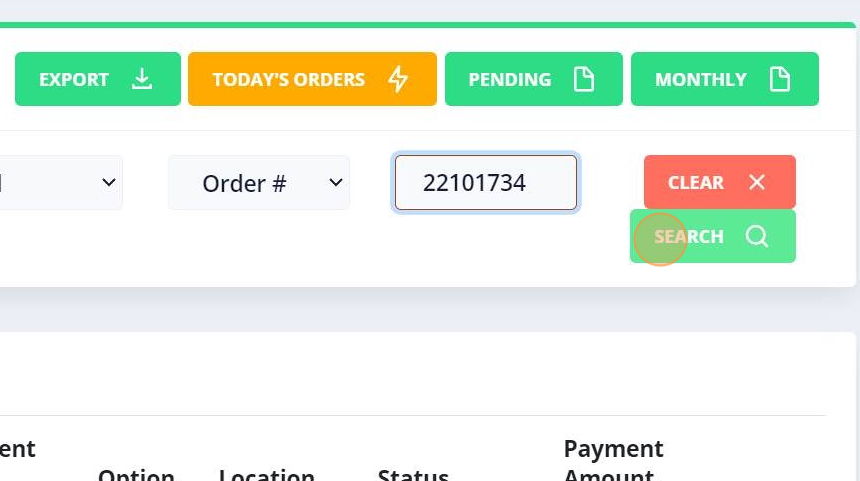
9. Click on “ORDER SEARCH” textfield #

10. Click on order search button #